
WOLFF AUDIO INTRODUCES
A NEW VIEW OF YOUR MIX.
Digital metering for Console ST. Familiar VU needles, channel bargraphs, and detailed mix analysis—one touch away.
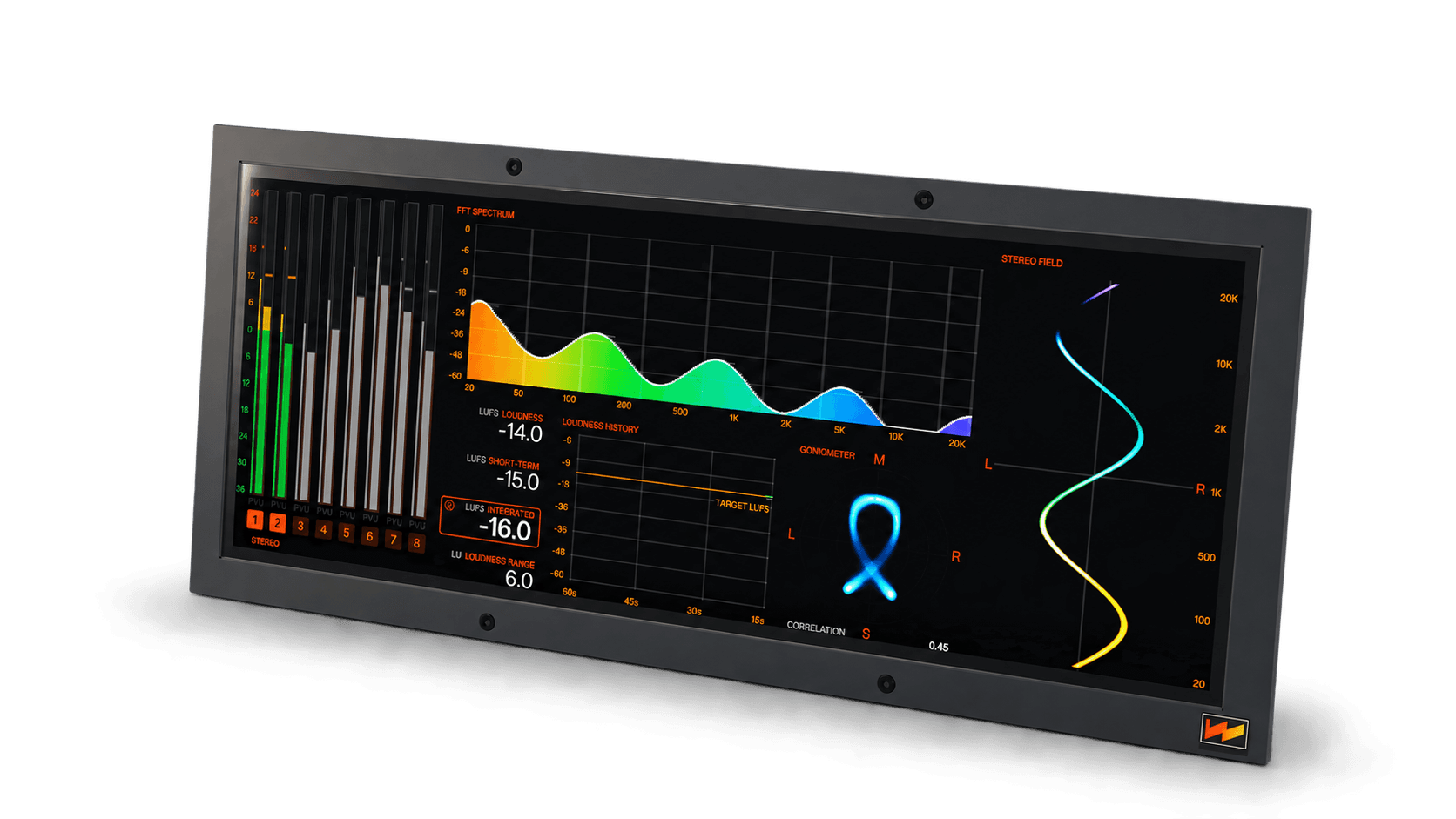
ONE DISPLAY. THREE PERSPECTIVES.
READ THE SIGNAL YOUR WAY
Follow level, inspect peaks, or look inside the mix. Select the view that answers the question in front of you.
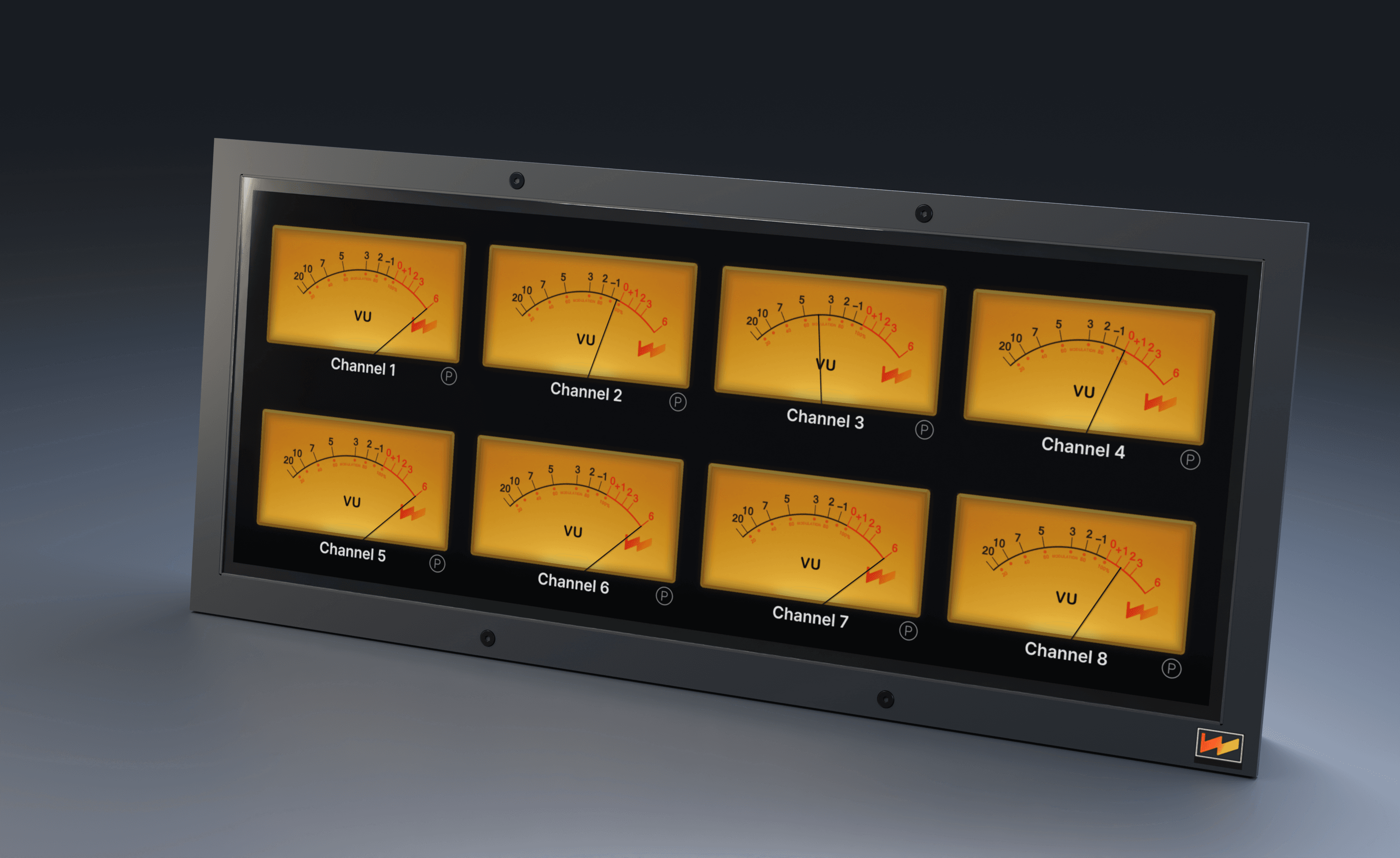
01 / VU
Follow the performance
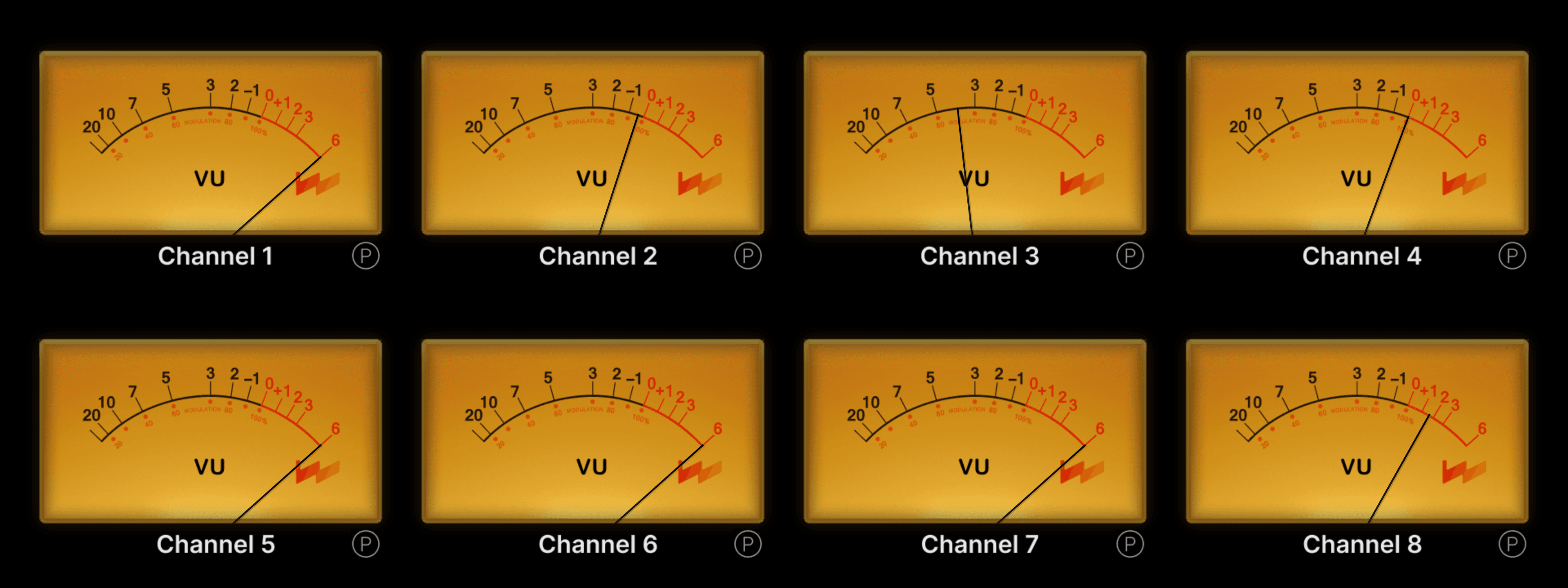
Familiar needle displays put channel activity in view. Read the shape of a performance across eight VU faces.
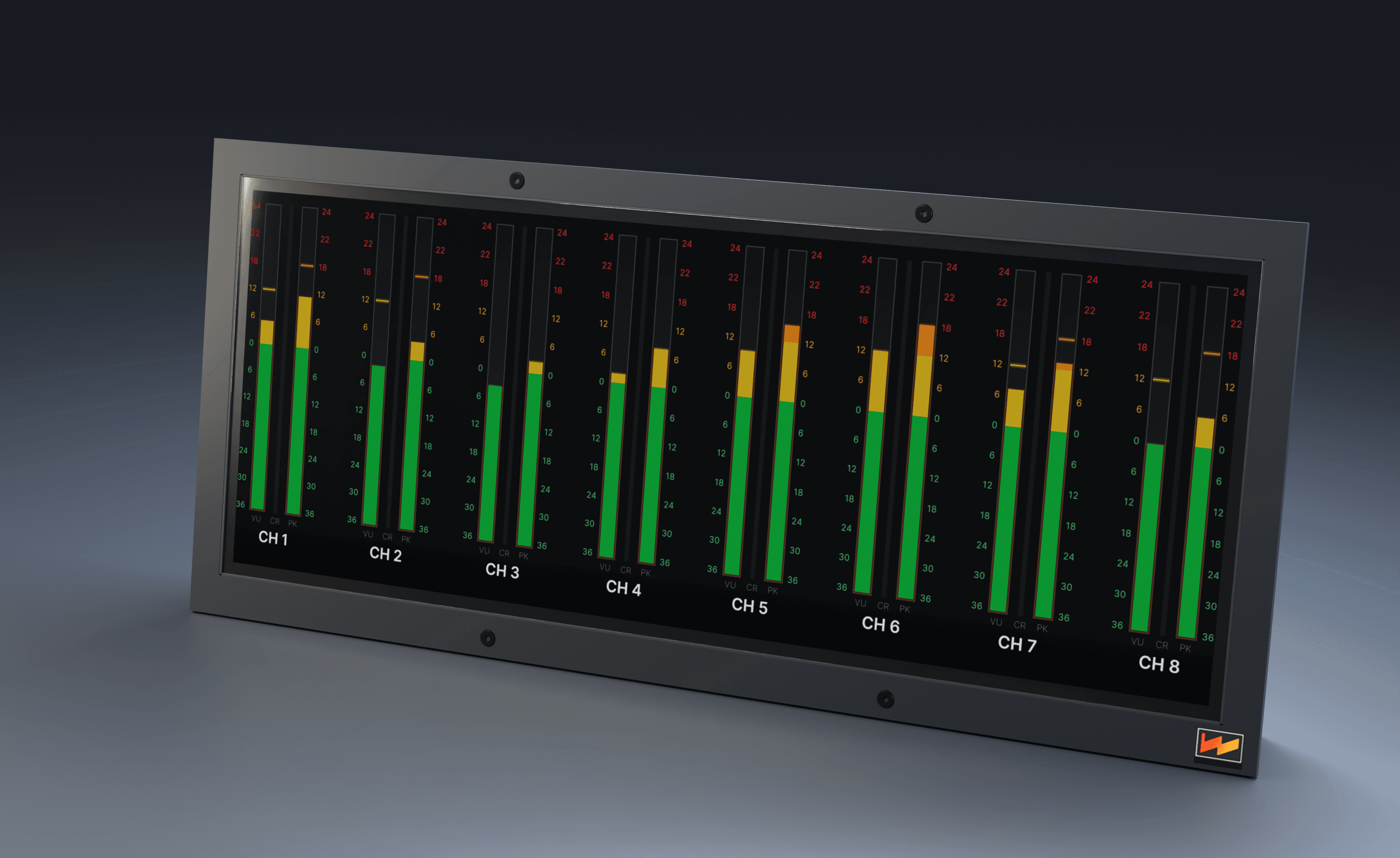
02 / BARGRAPH
Read levels at a glance
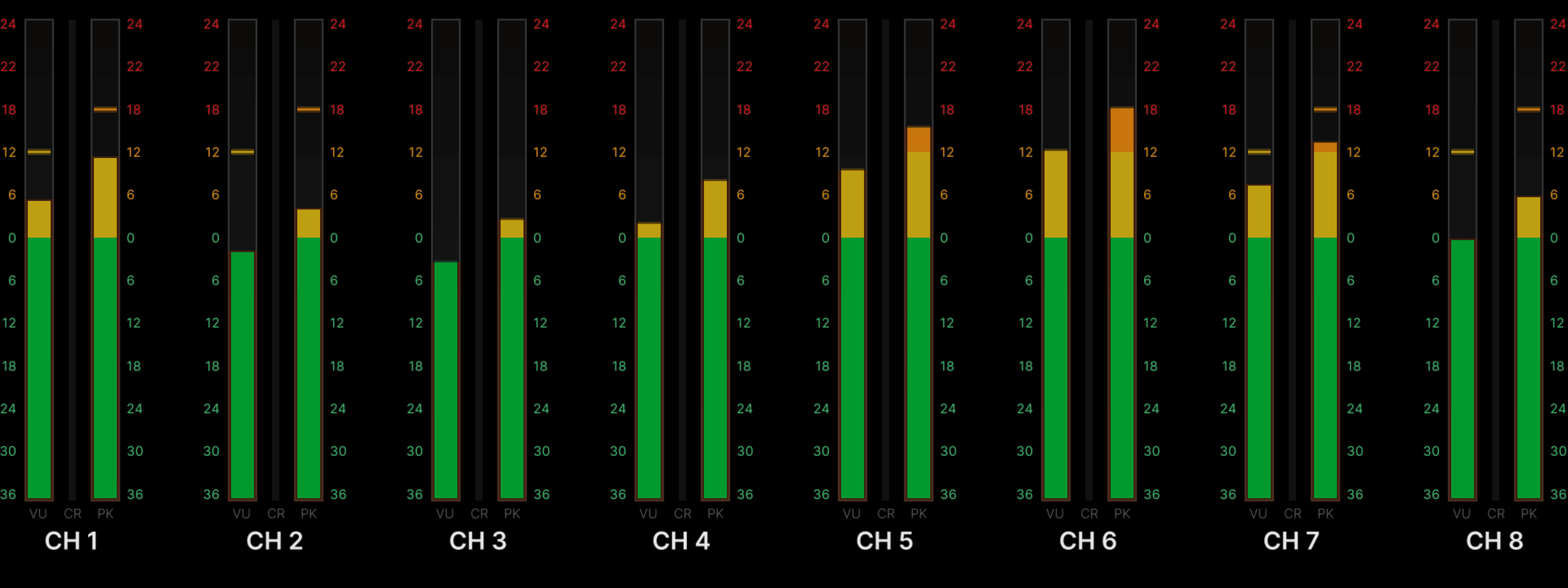
Compare eight channels side by side. Separate VU and peak bargraphs make level relationships easy to scan.
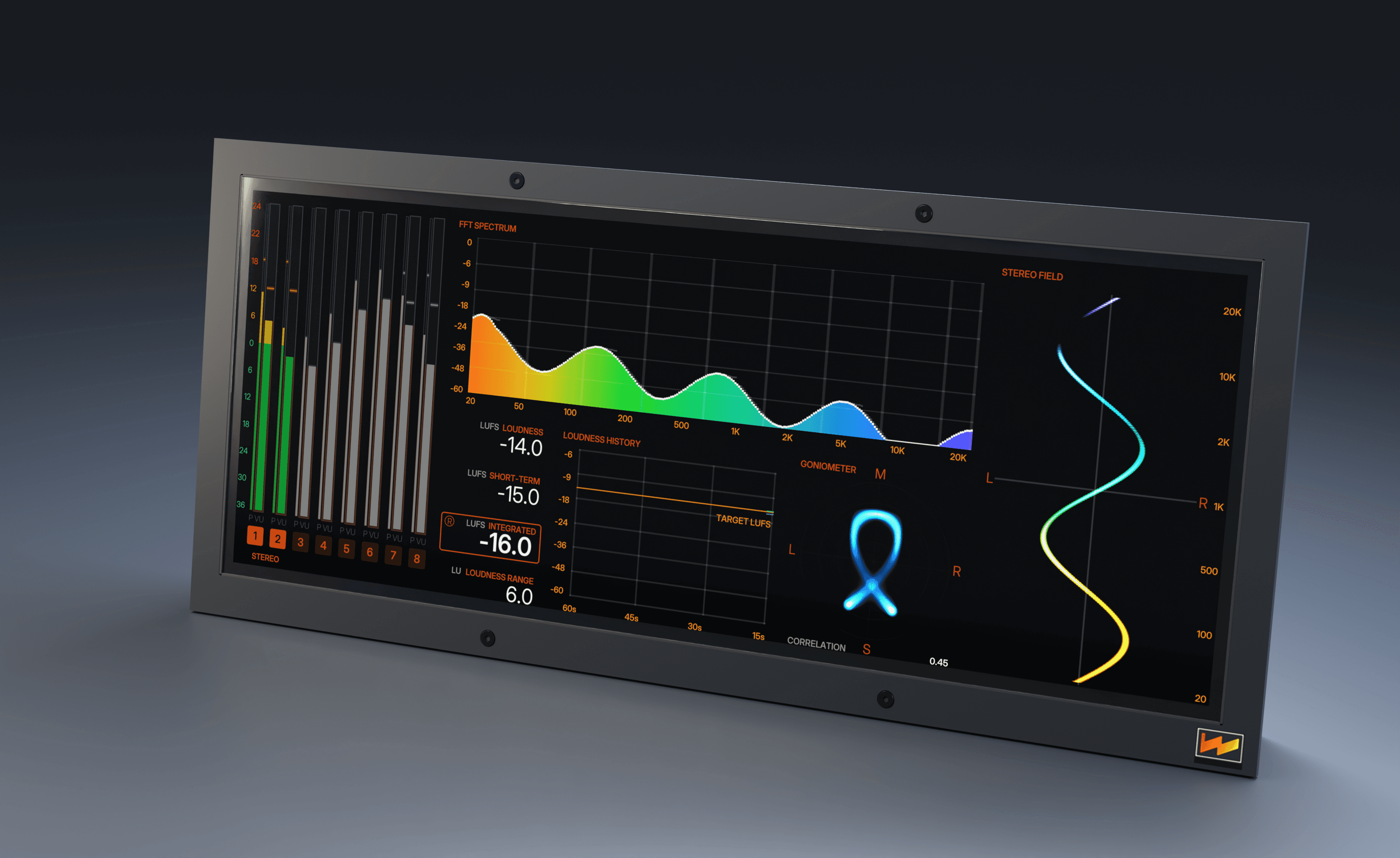
03 / ANALYZER
Look inside the mix
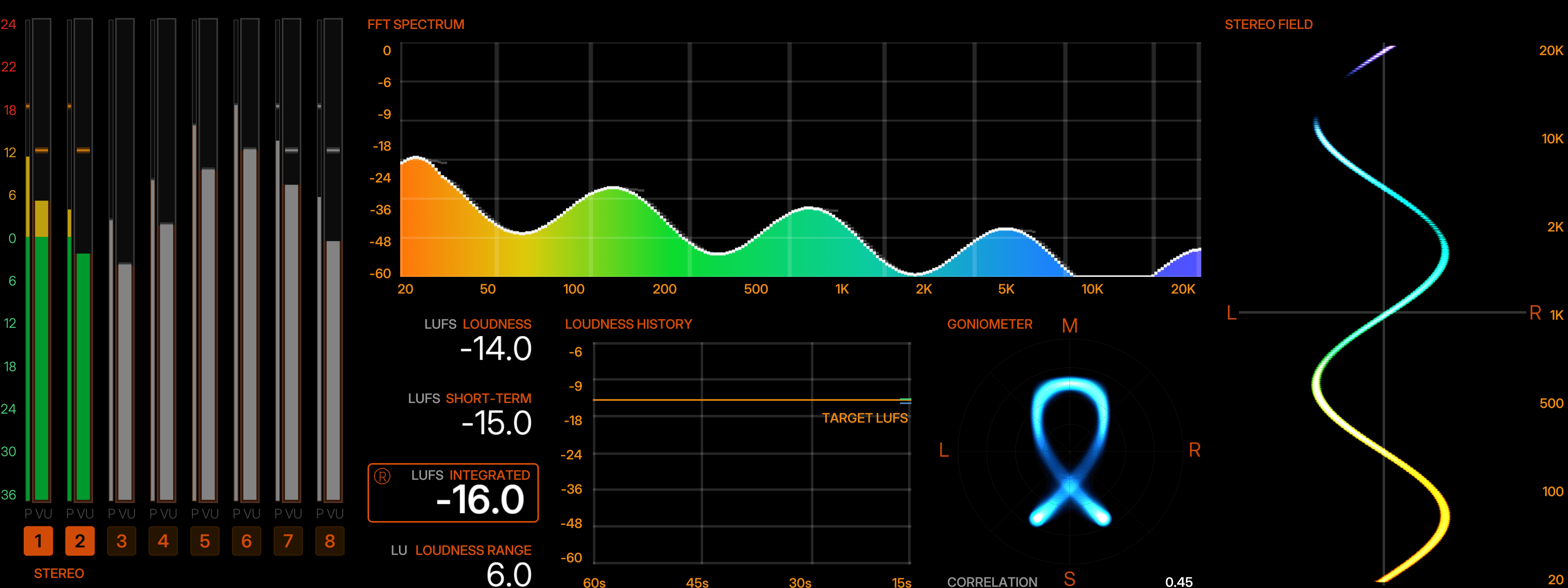
Bring FFT spectrum, LUFS loudness, and stereo analysis together. Follow the details behind the sound.
01 / VU MODE
A FAMILIAR SWEEP. A CLEARER PICTURE.
Eight amber VU-style meter faces give each channel a clear identity and a familiar needle display. Compare levels across the console while making musical decisions by ear.
The same VU presentation carries through Stereo A, Stereo B, Stereo C, and the grand master, so individual channels, stereo buses, and the full mix share one visual language. Clear labels keep the signal you’re watching easy to follow.
02 / BARGRAPH MODE
EIGHT CHANNELS. ONE QUICK READ.
Switch to bargraphs for a direct side-by-side view of eight channels. Separate VU and peak level bars put each channel on a consistent scale.
Scan level relationships across the display and follow moment-to-moment changes as you adjust gain or balance. The shared scale and color progression help keep the overview clear as the mix develops.
03 / ANALYZER MODE
LOOK INSIDE THE MIX.
See frequency balance, loudness, and stereo behavior together. The analyzer combines an FFT spectrum with LUFS readings, loudness range, and a history graph, helping you follow both the sound of the moment and its movement over time.
A goniometer and correlation readout show stereo behavior, while the stereo-field view maps left-to-right activity by frequency. Channel meters remain at the side for a quick level reference. Move from the overall picture to the details without leaving the console.
FROM CHANNELS TO THE FULL MIX.
Console ST lets you mix and match analog and LCD metering across the console. Follow input, bus, or output levels, with Grand Master meters that follow your selected monitoring source.
Choose a familiar view for balancing channels, a bargraph overview for checking levels, or the analyzer for a closer look at the mix.
PUT THE WHOLE
CONSOLE IN VIEW.
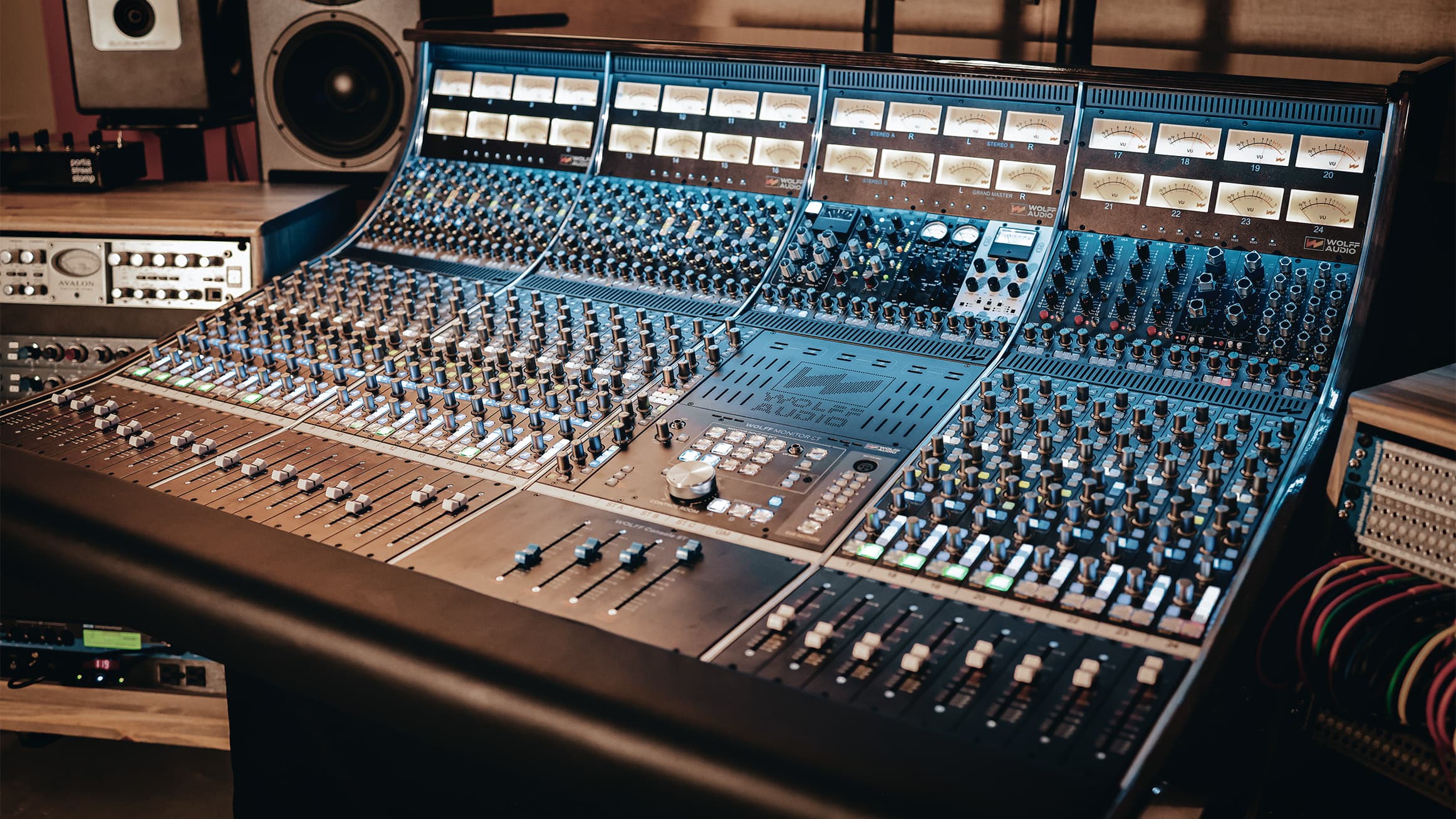
The meters are part of a bigger way of working. Explore Console ST’s routing, modular expansion, mix buses, and monitor section—and see how the desk comes together around your studio.
Talk with Wolff about the metering configuration for your studio.